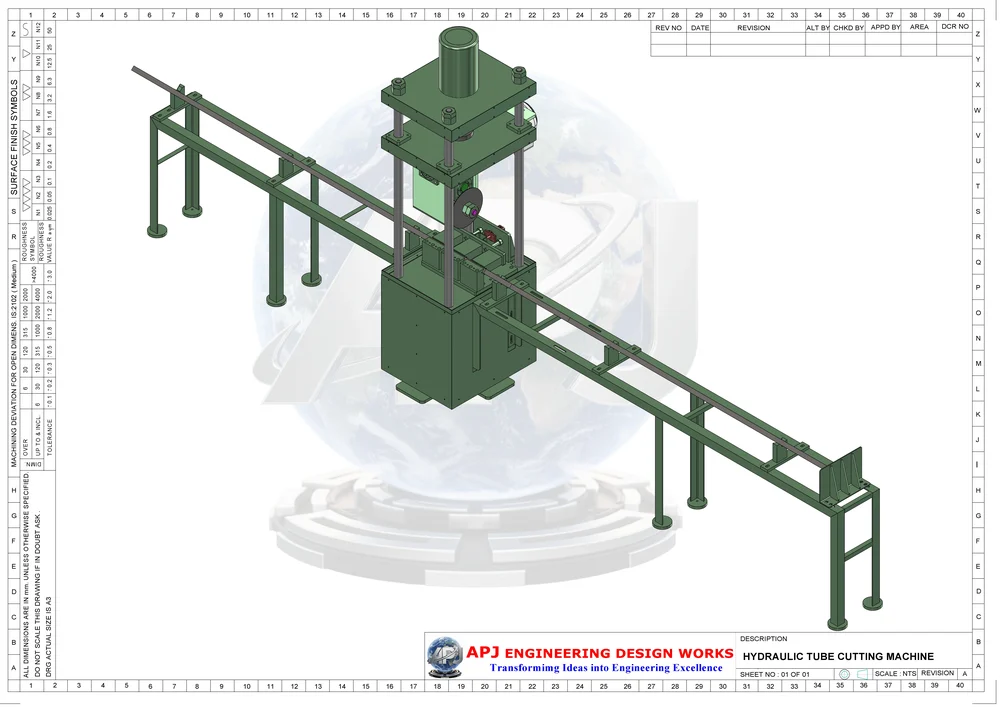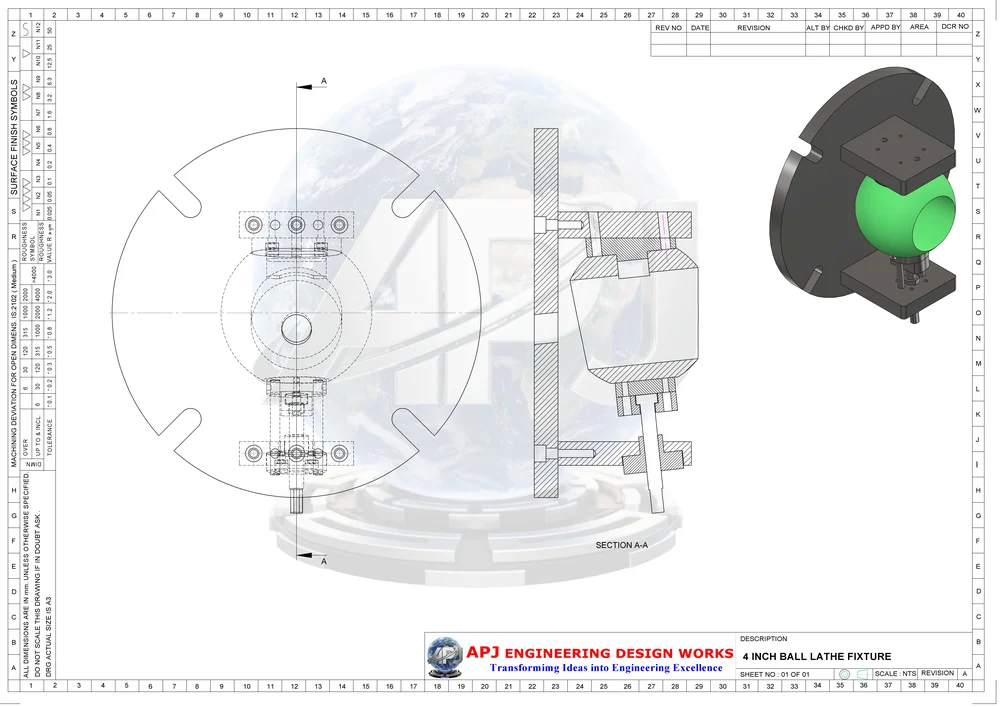
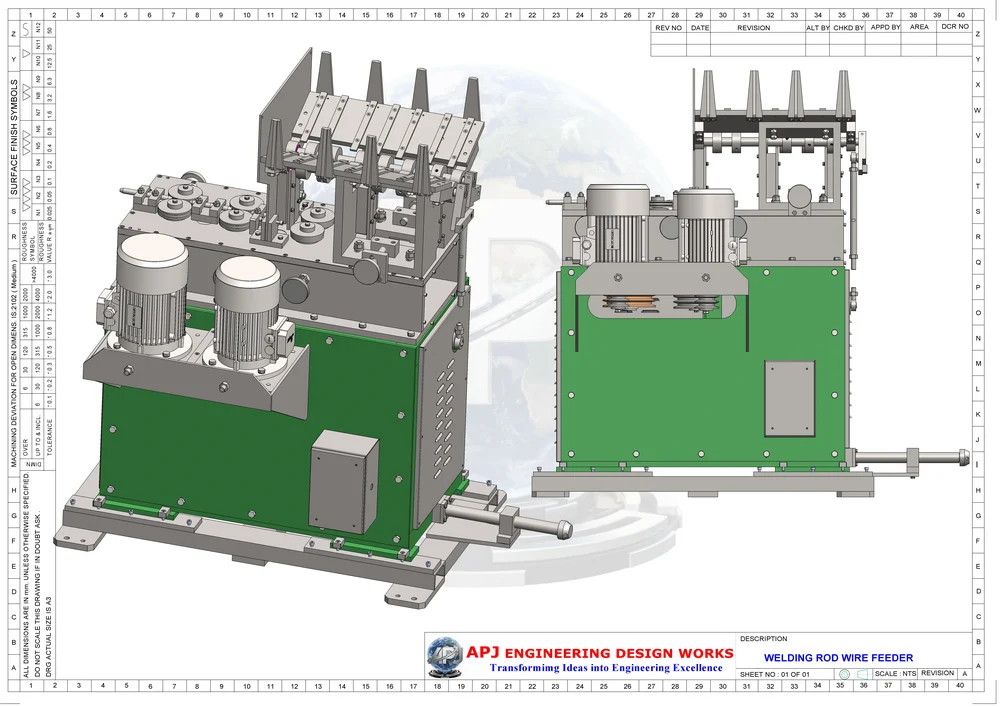
Legacy drawings contain valuable engineering information. Converting them into 3D CAD can make component relationships easier to review, but the quality of the result depends on how clearly the original geometry and dimensions are understood.
Review the available drawing set
Collect the latest component drawings, assembly views and revision information. If several versions exist, identify which version is approved. Photographs or an existing sample can help explain features that are unclear in a scanned drawing.
A model should not silently fill gaps in the source information. Missing dimensions, conflicting views and unclear notes need to be recorded for discussion.
Separate geometry from assumptions
A 2D drawing may not show every feature in the same level of detail. Before modelling, identify the main reference faces, important interfaces and the dimensions that control the component's function.
- Check the drawing scale and units
- Review sections and detail views
- Confirm hole locations and mating features
- Record missing or inconsistent dimensions
- Check available material and finish notes
Consider how the model will be used
A model for visual review can have a different scope from a model intended for a production drawing or an assembly study. Explain whether the output will support manufacturing, further design work or documentation.
If an existing physical part is the primary reference, reverse engineering may form part of the discussion.
Check the converted information
Compare the model against the original dimensions and important interfaces. Review the resulting drawings with the people responsible for the component before treating the converted information as an approved manufacturing reference.
APJ supports CAD conversion and engineering documentation. Send the available references to our team to discuss the required output and level of detail.